
Blog
Samsung Refrigerator Water Filter Reset | How to Turn Off the Filter Light

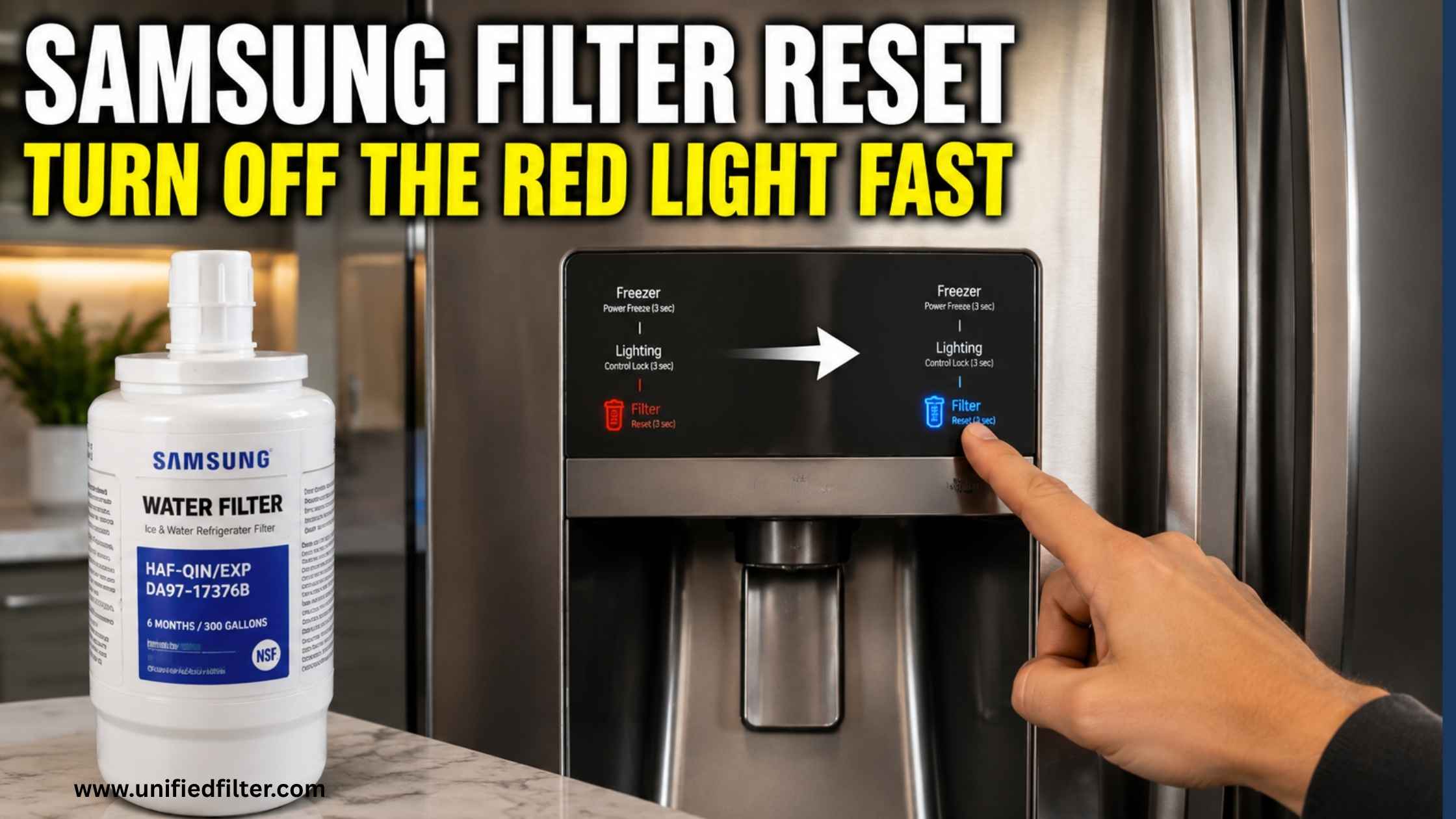
The filter light is red. You just put in a brand new filter. It is still red. This is the most common Samsung fridge frustration after a filter change and the fix is almost always the same. Samsung’s water filter indicator does not reset automatically. You have to tell it to reset. The button combination depends on your model, and Samsung has never been great at making this obvious.
This guide gives you the exact reset method for every Samsung refrigerator model plus what to do when the standard reset does not work.
Samsung Refrigerator Water Filter Reset | By Model Type
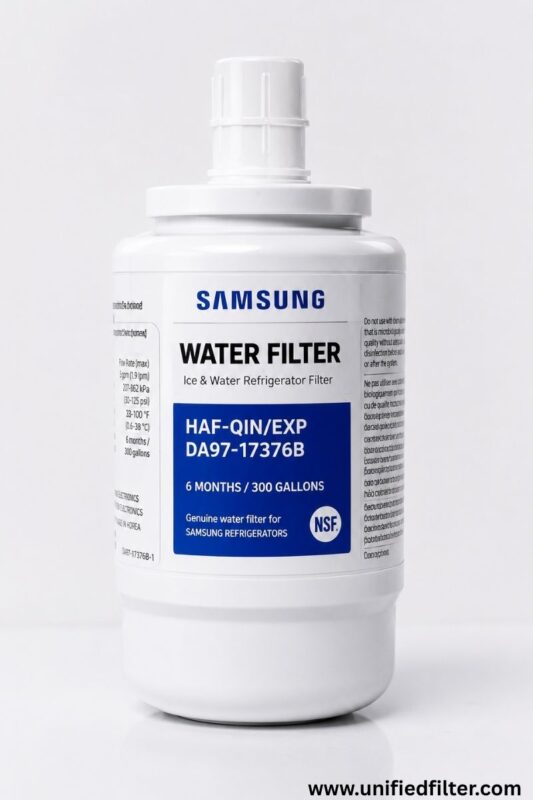
Find your Samsung fridge type in the table below. The reset method is different depending on your model series:
| Samsung Fridge Type | Reset Button Combination | Notes |
| RF series, French door (most common) | Hold Ice Type + Child Lock for 3 seconds | Most RF28, RF29, RF23 models |
| RS series, Side-by-side | Hold Water Filter button for 3 seconds | RS27, RS28, RS25 models |
| Bespoke 4-Door Flex | Hold Ice Type + Child Lock for 3 seconds | RF23BB, RF32BB, RF34BB |
| Family Hub models | Tap Settings on screen → Water Filter → Reset | Or use Ice Type + Child Lock as backup |
| Older models (pre-2015) | Hold Alarm or Filter Reset button for 3 seconds | Button location varies — check door panel |
| Models with no display | Small reset button near filter housing | Press and hold 3-5 seconds |
Most importantly hold the buttons for a full 3 seconds. A quick press does nothing. Press and hold until the indicator changes color, usually from red to blue or green.
Why Is the Samsung Filter Light Still Red After Reset?
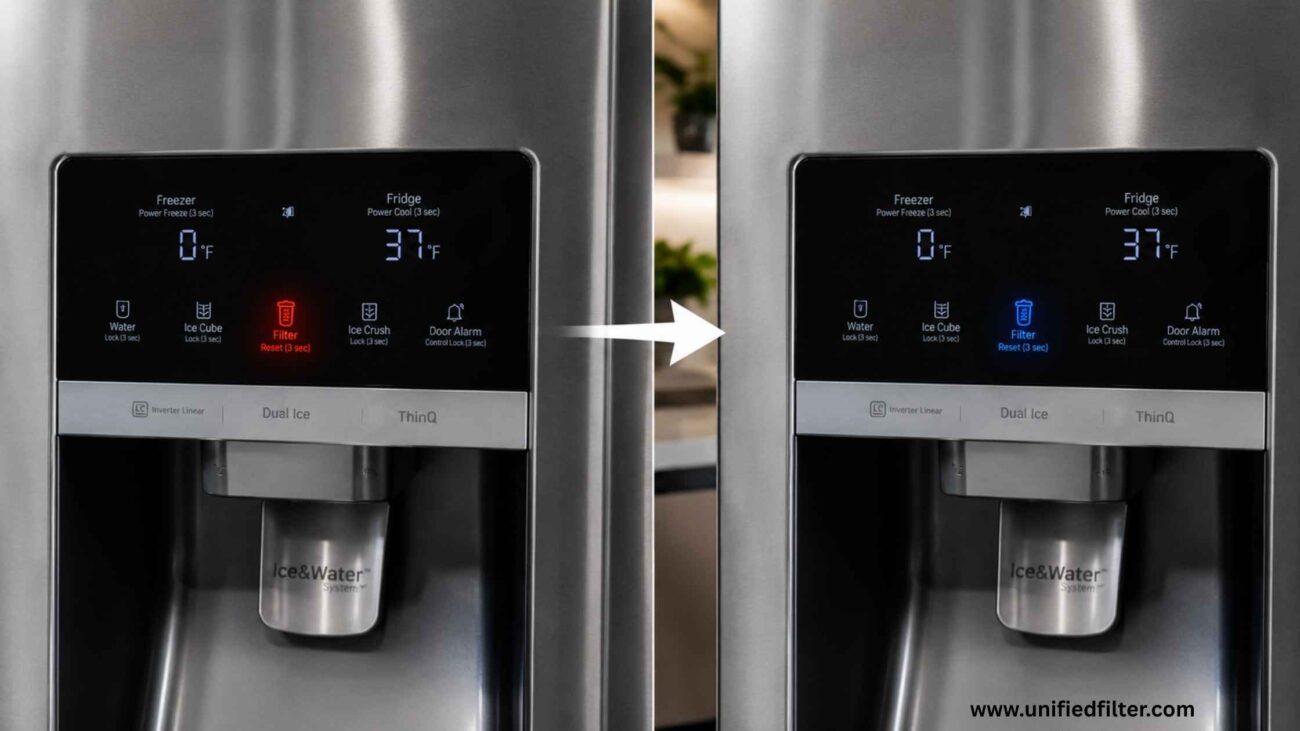
If the standard reset did not work, here are the most common reasons and what to do about each one:
| Problem | Most Likely Cause | Fix |
| Light still red after reset attempt | Wrong button combination for your model | Try Ice Maker + Freezer Temp (3 sec) as alternative |
| Light turns blue then back to red | Filter not fully seated | Remove filter and reinsert firmly until it clicks |
| No button combination works | Firmware needs update or display fault | Try unplugging fridge for 60 seconds then reset |
| Light resets but turns red again next day | Generic filter without Samsung chip | Switch to genuine Samsung OEM filter |
| Indicator shows orange not red | Filter at 25% life remaining, not urgent | Replace within 4-6 weeks |
The generic filter issue is worth highlighting. Some compatible third-party filters do not have the Samsung-recognized chip that communicates with the fridge’s filter monitoring system. The fridge sees an unrecognized filter and may reset but then flag it red again shortly after. If this is happening to you, the only reliable fix is switching to the genuine Samsung OEM filter.
Samsung Filter Light Colors | What Each One Actually Means
Samsung uses a color-coded system for the filter indicator. Here is what each color means:
- Blue or Green. Filter is good. Less than 10% of filter life is used. No action needed.
- Blue fading to lighter blue. Filter is at roughly 50% life. Still working well, note the date and plan ahead.
- Orange or Yellow. Filter is at 25% life remaining. Time to order a replacement so you have it ready.
- Red. Filter life is at 0%. Replace immediately. An overdue filter stops trapping contaminants and can release previously captured compounds back into your water.
- Blinking Red. Filter has been overdue for an extended period on some models. Replace urgently.
The filter indicator is based on water volume used, not time. A household of 5 people will hit 300 gallons much faster than a couple. If your light turns red in under 4 months, you are a high-usage household and should plan to replace it every 4-5 months rather than waiting for the indicator.
Alternative Reset Methods When Nothing Else Works
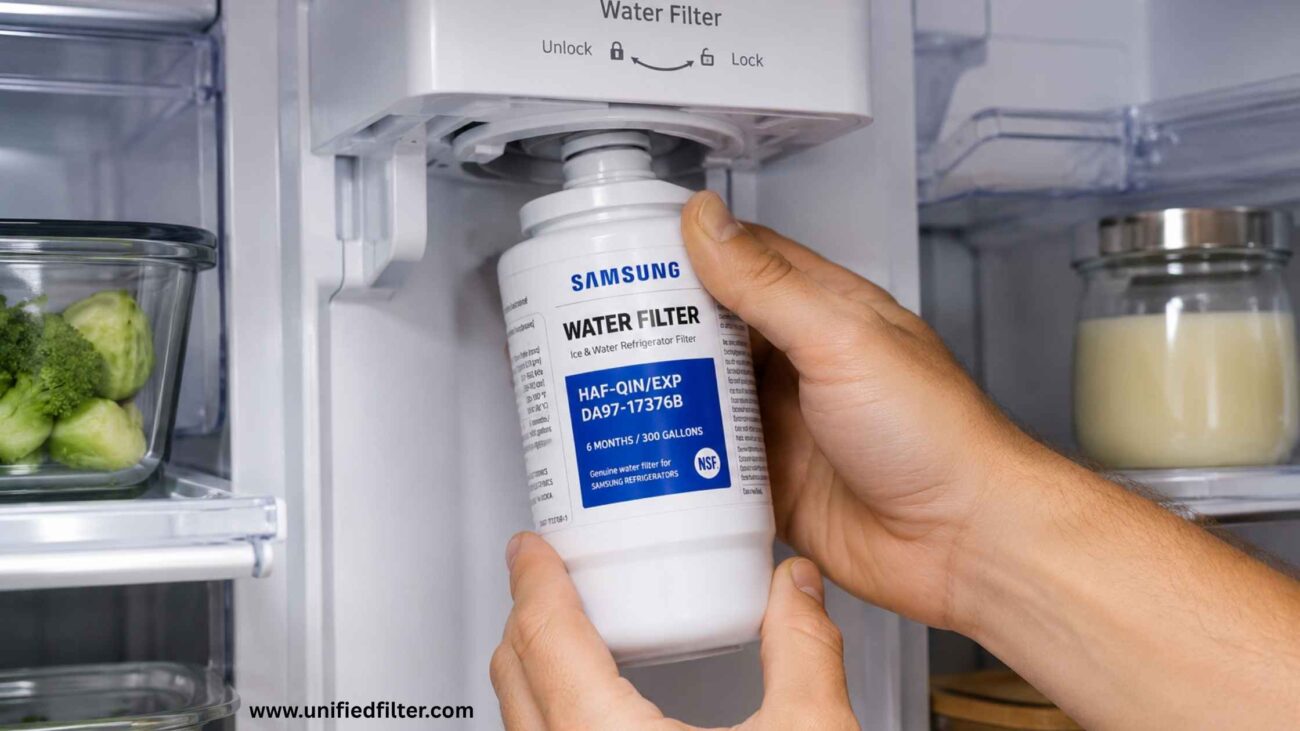
Tried the standard button combination and still stuck on red? Here are three things to try before calling Samsung support:
- Power cycle the fridge. Unplug the refrigerator from the wall for 60 seconds. Plug it back in. Wait 2 minutes for the system to fully restart. Then try the reset combination again. This clears any temporary firmware state that might be blocking the reset.
- Try the alternative button combination. On most RF series models there are two valid reset combinations. If Ice Type + Child Lock did not work, try holding Ice Maker + Freezer Temp for 3 seconds. Samsung updated firmware on some models and changed the active combination without announcing it.
- Use the SmartThings app (Family Hub models). On Bespoke and Family Hub fridges, open the SmartThings app → select your fridge → go to Settings → Water Filter → Reset Filter. This bypasses the physical button combination entirely.
How Often Should You Reset the Samsung Water Filter Indicator?
Every time you replace the filter, which should be every 6 months or 300 gallons, whichever comes first. The indicator does not know you changed the filter. It only knows you pressed reset. So if you forget to reset after a new filter installation, the light will stay red even though your water is being filtered correctly.
Similarly, if you press reset without changing the filter, the fridge thinks the filter is new when it is not. The light will show blue, but the filter is still overdue. Always replace and reset together, never one without the other.
FAQs
How do I reset the water filter light on my Samsung refrigerator?
Hold Ice Type and Child Lock simultaneously for 3 seconds on RF models, or the Water Filter button for 3 seconds on RS models.
Why is my Samsung filter light still red after I changed the filter?
The indicator does not reset automatically, you must manually hold the reset button combination for 3 seconds after installing a new filter.
What does the orange filter light mean on a Samsung fridge?
Orange means the filter has about 25% life remaining, its time to order a replacement but not urgent yet.
How do I reset the filter on a Samsung Bespoke Family Hub fridge?
Open SmartThings app → select your fridge → Settings → Water Filter → Reset Filter, or hold Ice Type + Child Lock for 3 seconds.
Why does my Samsung filter light turn red again right after resetting?
A compatible third-party filter may not be recognized by the fridge, but switching to genuine Samsung OEM resolves this.